Debugging & SSH
Avrea jobs run on dedicated VMs that you can SSH into while they're running. Drop into the actual filesystem, inspect processes, re-run a failing command with tweaks, and confirm the fix before committing. No need to re-run the whole workflow and guess at what went wrong.
SSH is built into every Avrea runner. No additional GitHub Actions or workflow changes required.
Who can connect
Section titled “Who can connect”SSH access is scoped to the repository the job belongs to. Anyone in your Avrea organization with access to that repository can SSH into its running jobs.
- Browser sessions are authenticated by your console login, so there's no local setup.
- CLI sessions authenticate with the SSH public keys from your GitHub account, falling back to a one-time password if you have no GitHub keys configured.
SSH from the browser
Section titled “SSH from the browser”Open any in-progress job in the Avrea console and switch to the SSH tab, then click Connect.
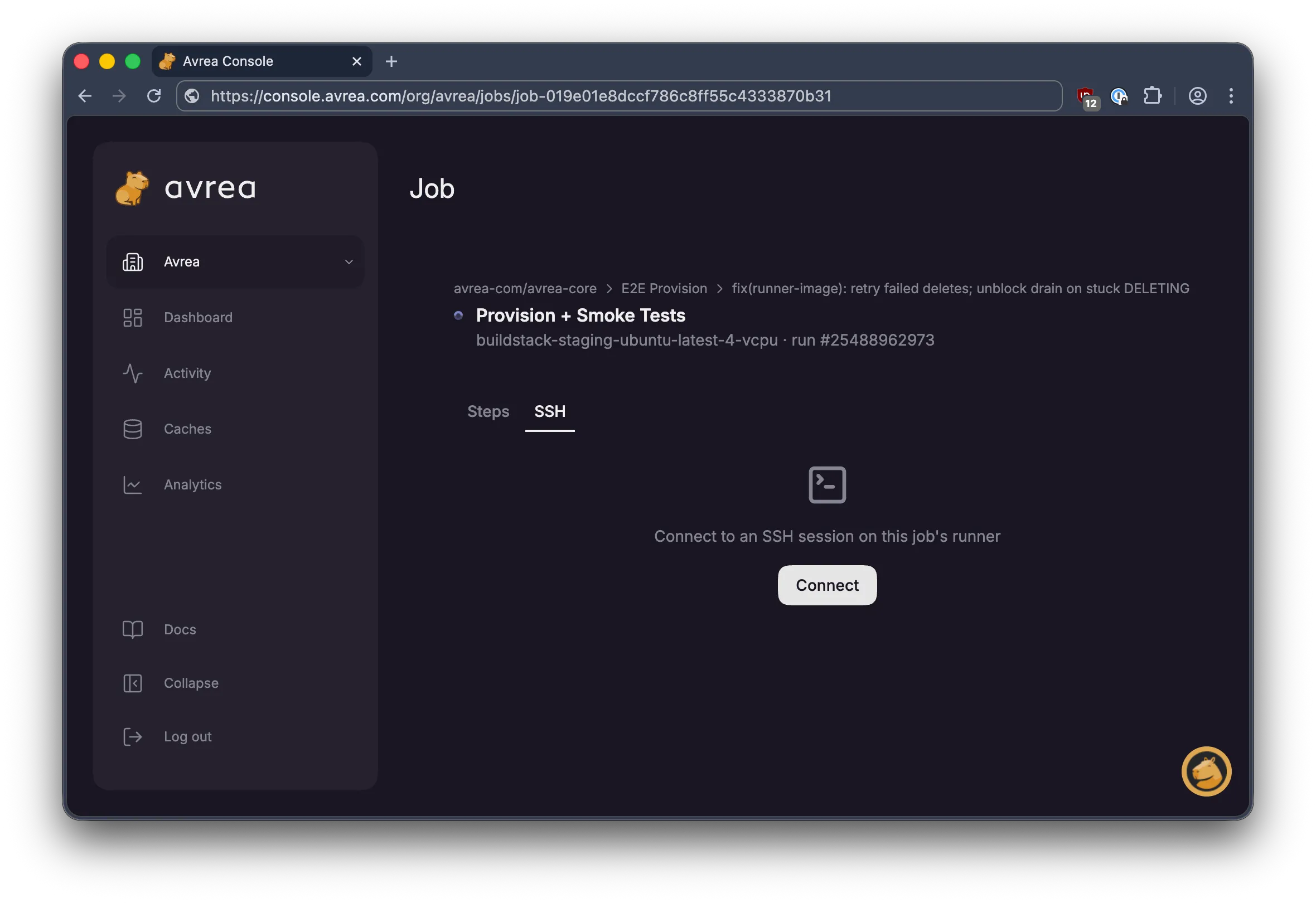
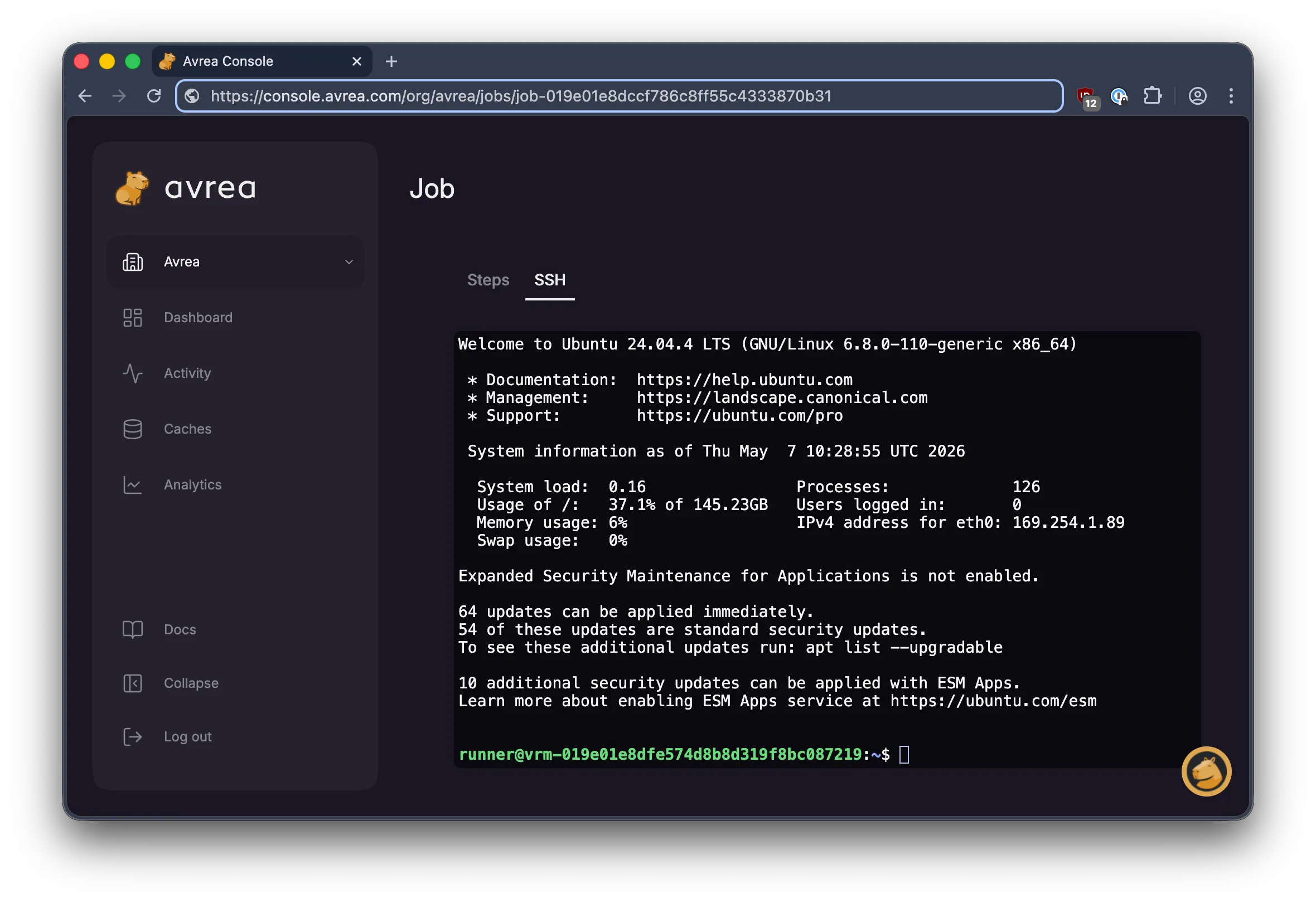
You get an interactive terminal in your browser with full ANSI color, clickable links, and live resizing.
SSH from the CLI
Section titled “SSH from the CLI”For longer sessions or scripted debugging, use the Avrea CLI:
avr job ssh <job-id>Add --print-command to print the raw ssh command without connecting.
Useful for piping into other tools or sharing with a teammate.
End the session with exit or Ctrl-D.
When SSH is available
Section titled “When SSH is available”SSH is only available while a job is in progress on an Avrea runner. Once the job completes, fails, or is cancelled, the VM is torn down and the SSH session ends.
To keep a VM alive after a failing step so you can connect and inspect it, add a failure-only sleep at the end of the job:
- name: Keep job alive on failure for debugging if: failure() run: | echo "Job failed. Keeping VM alive for 30 minutes for debugging..." echo "Open the SSH tab on the job page, or run: avr job ssh <job-id>" sleep 1800This step only runs if an earlier step failed, so successful runs finish immediately.
What you can do in the session
Section titled “What you can do in the session”You land in the job's working directory as the same user the workflow runs as, with every environment variable, installed toolchain, mounted cache, and intermediate build artifact present. Typical tasks:
- Re-run the failing command manually to see the full output.
- Inspect environment variables with
env | grep MY_VAR. - Check the filesystem with
ls,cat,find. - Read
$GITHUB_ENVand$GITHUB_PATHto see what earlier steps set. - Make changes and confirm a fix works before updating your workflow file.
Logs and post-run analysis
Section titled “Logs and post-run analysis”SSH is for live jobs. For searching past runs, tailing step logs without logging in, and aggregate stats, see Observability.